Email support directly
Send your order number, monitor size, product size, and photos if the issue needs visual checking.
kaepkeex@126.comCustomer Support
Need help with fit, installation, missing accessories, or product service? Leave your details and KAEPKEEX support will follow up.
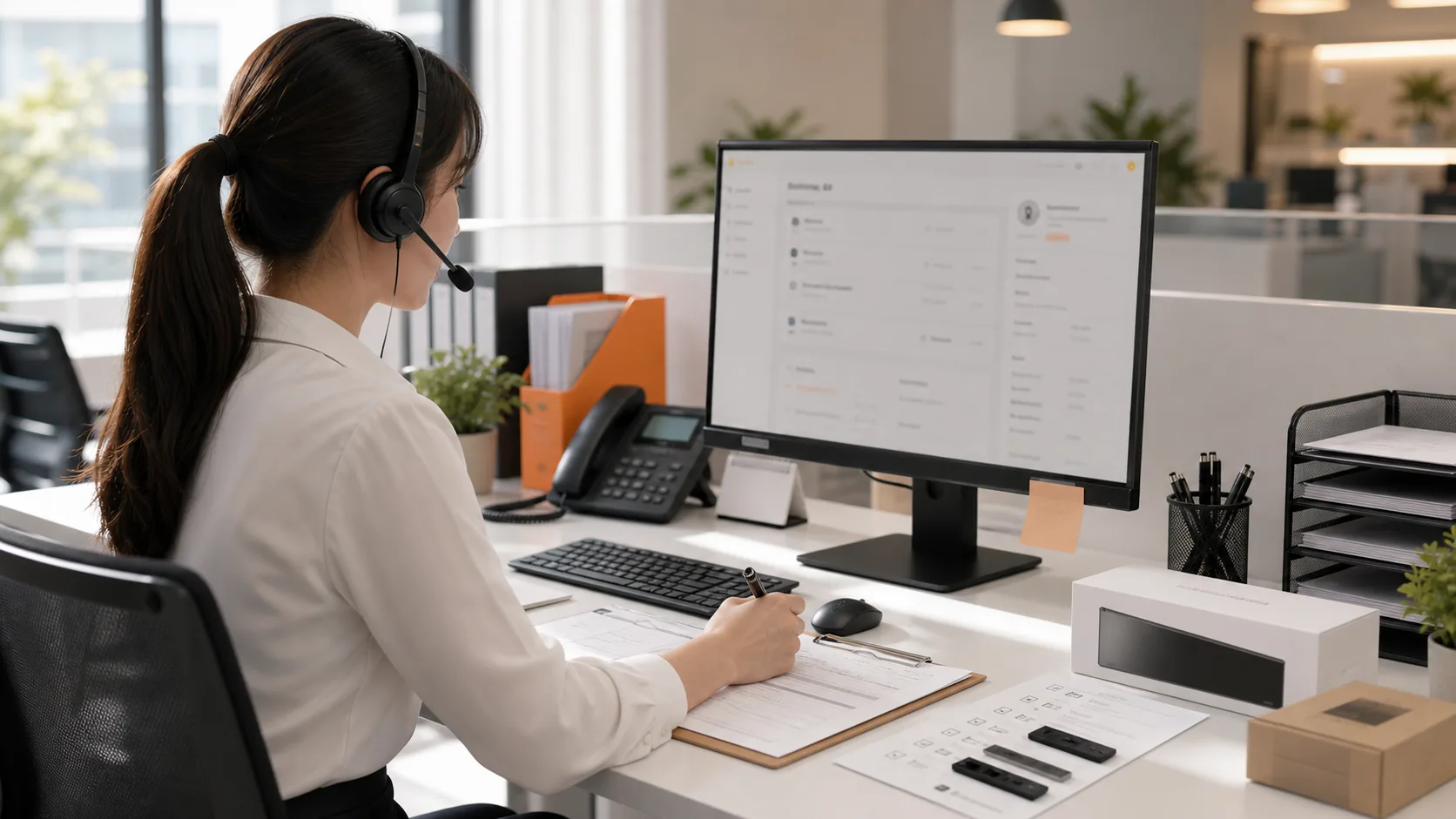
Service Desk
KAEPKEEX support is built around practical customer questions: whether the monitor fits, how to install the privacy screen correctly, and what to do if an accessory is missing or a product issue appears during use.
Send your monitor size, aspect ratio, and a front photo of the monitor edge before choosing a model.
Get help with cleaning, strip placement, hanging position, and magnetic support.
For missing accessories, product condition, or use questions, include order information and clear photos.
Usage and Installation Guide
Clean the monitor screen first, confirm the selected privacy screen matches the display size and aspect ratio, place the support strips correctly, hang the privacy screen gently, and adjust brightness after installation for comfortable viewing.
Use the included cleaning kit before installation.
Check monitor size, aspect ratio, and top-edge structure.
Place support strips and hang the privacy screen gently.
Adjust monitor brightness after installation for comfortable viewing.
Apple iMac and all-in-one computer profiles, curved monitors, unusually thick bezels, frameless displays without support points, and monitor designs that interfere with hanging structures.